|
<< Click to Display Table of Contents >> Icon Categories |
  
|
|
<< Click to Display Table of Contents >> Icon Categories |
|
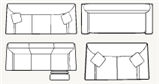
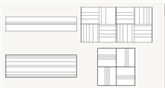
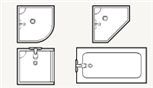
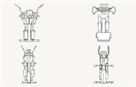
The icon browser presents icons in a two-tiered system. Icons are grouped into categories and further divided into sub-categories. Click on a category below to see the available subcategories for each category.